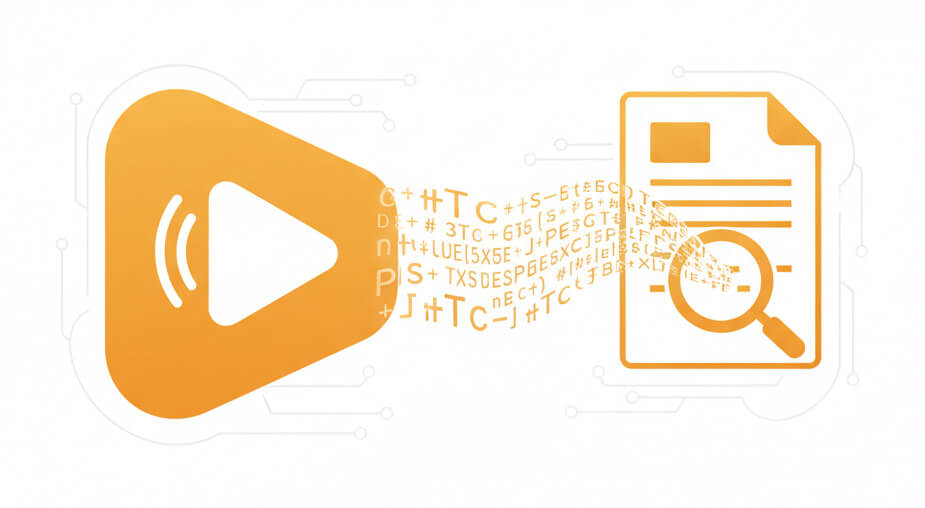
Specialized engine handles complex broadcast containers and delivers speaker-separated transcripts

Automatic audio stream detection and extraction from multi-program Transport Stream files

Encrypted upload and processing with isolated storage for media production environments

Distinguish between multiple speakers and label dialogue for broadcast and interview content

Generate time-coded text files in SRT, VTT, PDF, DOCX or TXT with frame-accurate timestamps
Automated audio extraction and transcription from Transport Stream containers
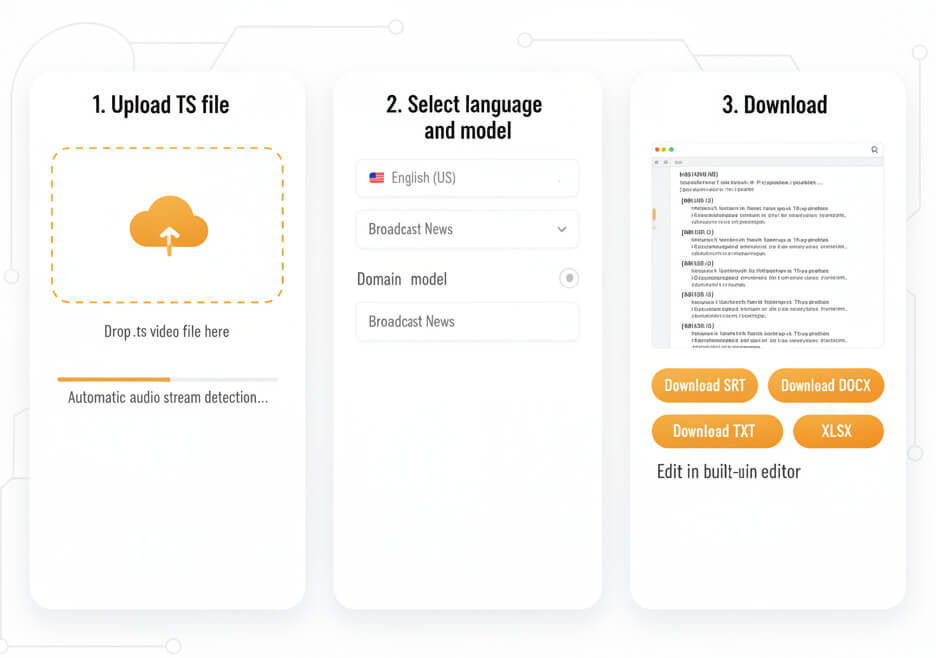
Drop the .ts video file into the platform. The system automatically detects embedded audio streams and prepares them for transcription. Large broadcast files up to several GB are supported.
Pick the spoken language from 50+ options. For specialized vocabulary, like news, entertainment, or technical broadcasts, apply a domain-specific model to improve recognition of industry terms and proper nouns.
Receive a time-stamped transcript with speaker labels. Edit directly in the built-in editor, then export as plain text, Word document, Excel sheet, or subtitle file format for immediate use in editing suites and archives.
Transport Stream is a container designed for broadcast and streaming, packing video, audio, and metadata into synchronized packets
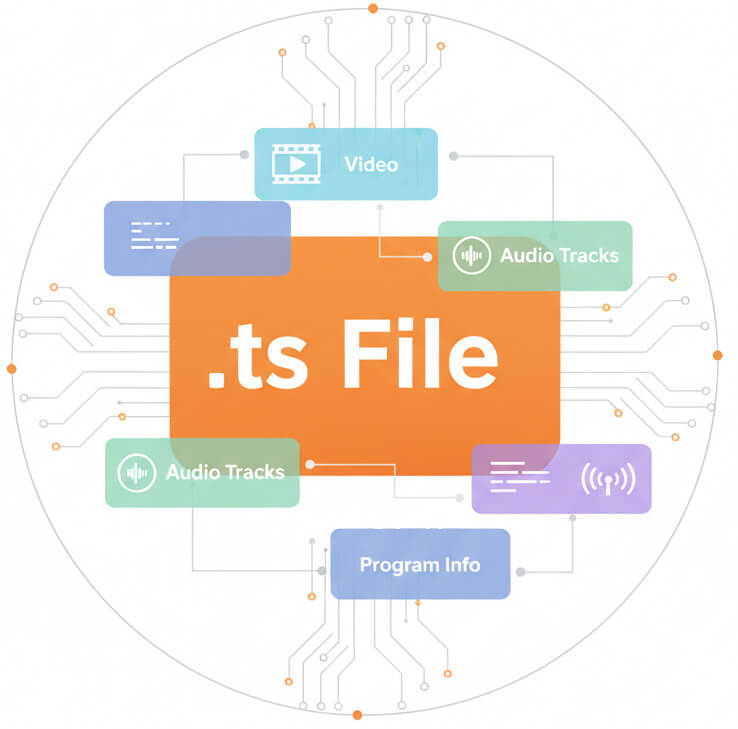
A .ts file is an MPEG Transport Stream container. Unlike simple audio files, it bundles video, multiple audio tracks, subtitles, and program information into packetized streams. Originally engineered for digital television transmission, TS handles error correction and synchronization across unreliable networks.
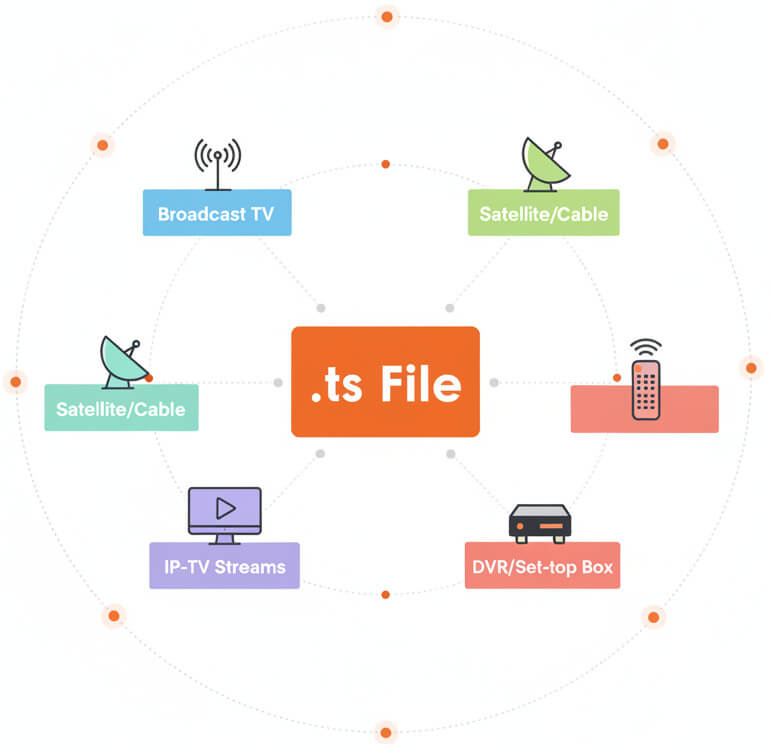
TS files appear most often in broadcast television archives, satellite and cable recordings, IP-TV streams, and video captured from DVRs or set-top boxes. Many live-streaming platforms also deliver adaptive bitrate segments as .ts chunks. Professional video production workflows frequently encounter TS when ingesting or archiving broadcast material.
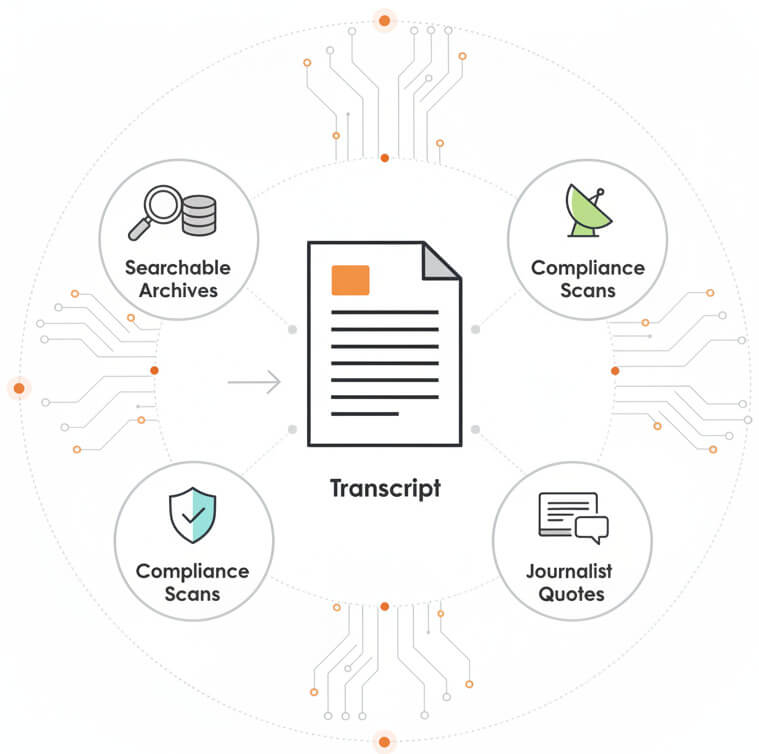
Converting TS to text transforms hours of broadcast video into searchable, citable documents. Media archives become queryable databases. Compliance teams can scan transcripts for sensitive content. Journalists locate exact quotes without shuttling through timecode. Subtitling and closed-caption production accelerates when starting from a machine transcript rather than manual typing.
Broadcast archives, post-production studios, and compliance teams rely on TS transcription for indexing and accessibility

Upload the .ts file to SpeechText.AI, select the spoken language, and start transcription. The platform extracts audio streams automatically, processes speech, and delivers an editable text document with timestamps.
A free trial is available with full feature access. Test the service on a sample TS file to evaluate transcription quality and export options before committing to a paid plan.
Yes. The system detects all audio tracks within a Transport Stream and lets you choose which program or language track to transcribe. This is helpful for files containing multiple simultaneous broadcasts.
Standard-definition and high-definition TS files both work well. Clean studio audio produces the highest accuracy; noisy field recordings or compressed satellite feeds may require manual review. Bitrate matters less than microphone placement and background noise.
Processing speed depends on file size and duration. Typical turnaround is faster than real-time: a 60-minute broadcast TS file usually completes transcription in 10-20 minutes. Large multi-hour archives take longer but still run faster than manual transcription.