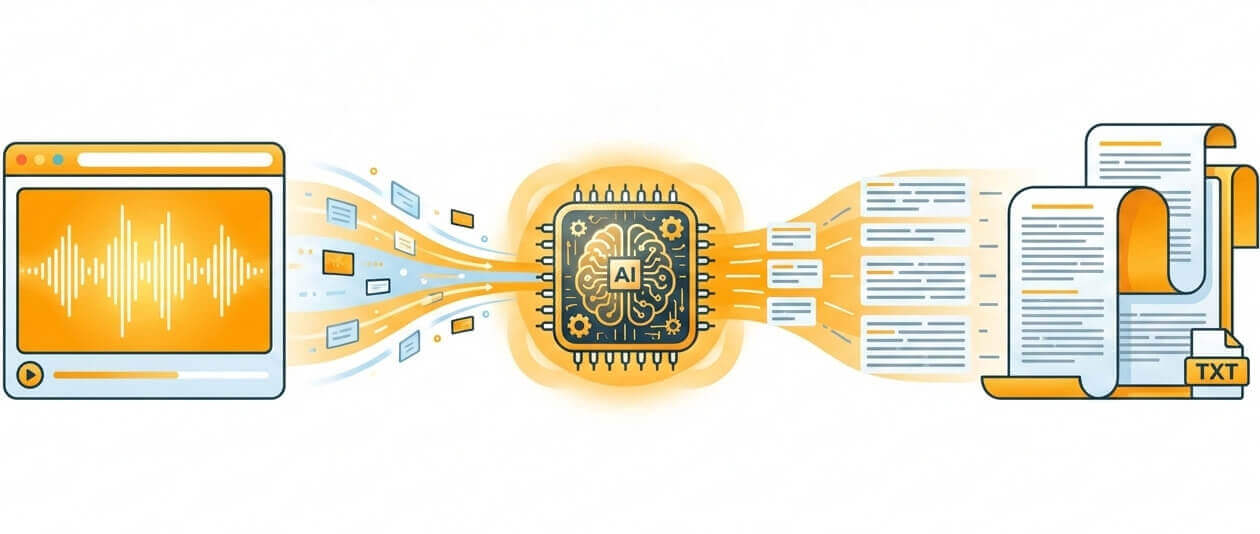
Advanced speech-to-text engine designed to handle web audio with accuracy and speed
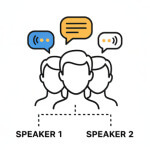
Automatically identifies and labels different speakers in conference calls and group discussions

Files processed on EU infrastructure with full GDPR compliance and encryption at rest

Specialized vocabulary training for technical fields like legal, IT, healthcare, and finance
Download transcripts as TXT, PDF, DOCX, XLSX spreadsheets, or time-coded SRT and VTT
Simple workflow from upload to finished transcript
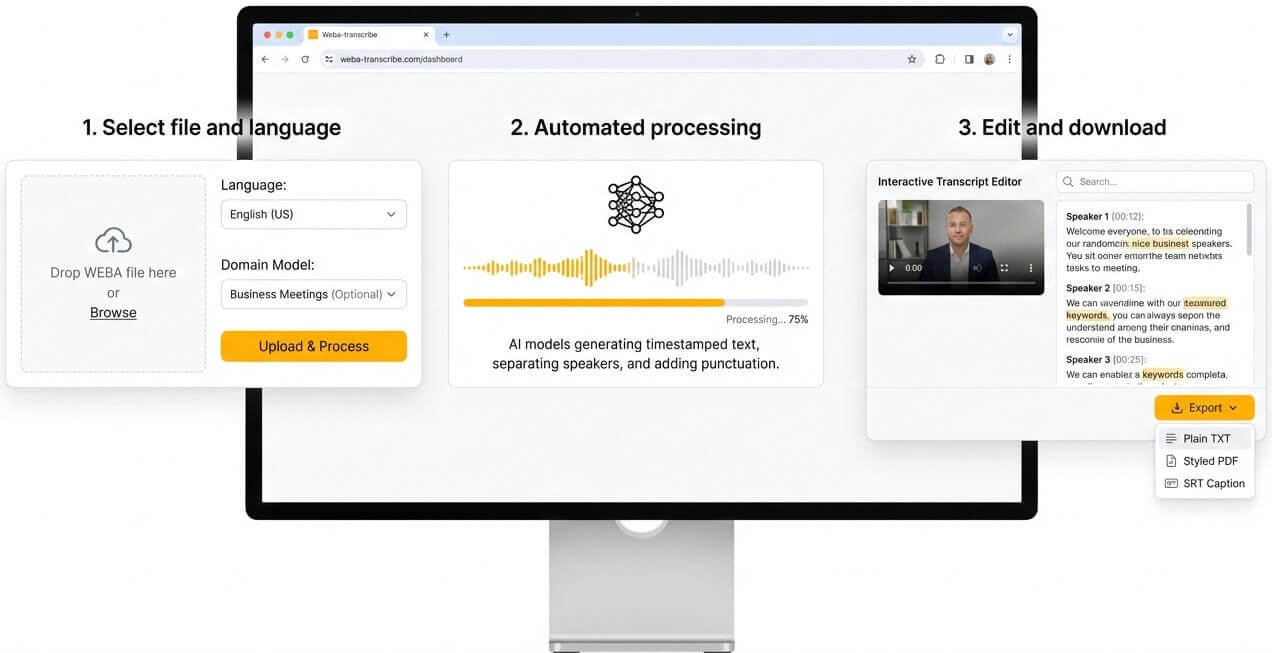
Drop the WEBA file into the platform. Pick the spoken language and, if applicable, a domain-specific model such as tech support, education, or business meetings to improve terminology recognition.
Neural network models process the audio stream and generate timestamped text. Speaker diarization separates voices, punctuation is added automatically.
Open the interactive transcript editor to make corrections, adjust speaker labels, or navigate by keyword search. Export the final document in the preferred format—plain TXT for simplicity, styled PDF for sharing, or SRT for video captioning.
WEBA represents audio-only WebM streams, widely adopted for browser-based recordings and online conferencing platforms
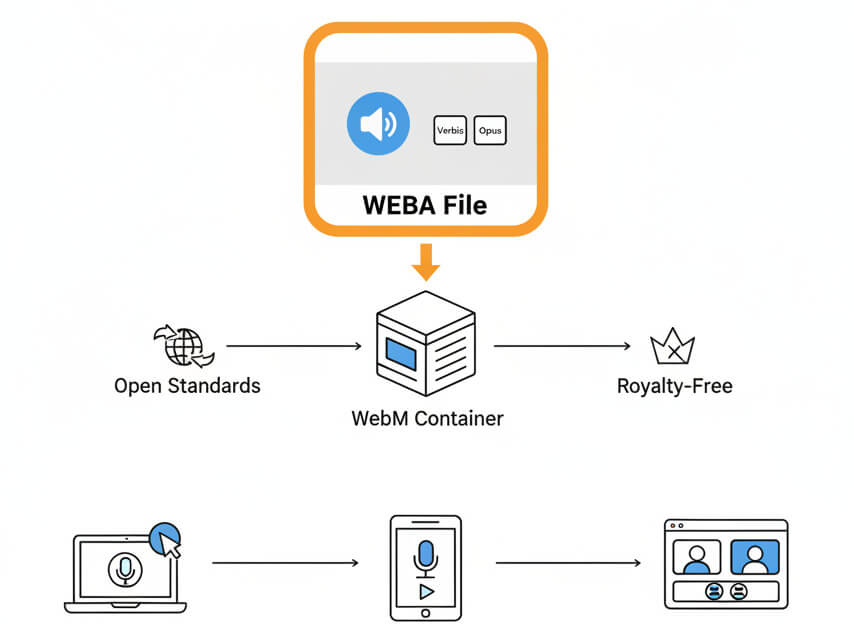
WEBA files store audio in the WebM container using Vorbis or Opus codecs. Built on open standards, the format is royalty-free and natively supported in modern browsers. Screen capture tools, web-based voice recorders, and video-conferencing apps commonly output WEBA when saving audio tracks separately from video.
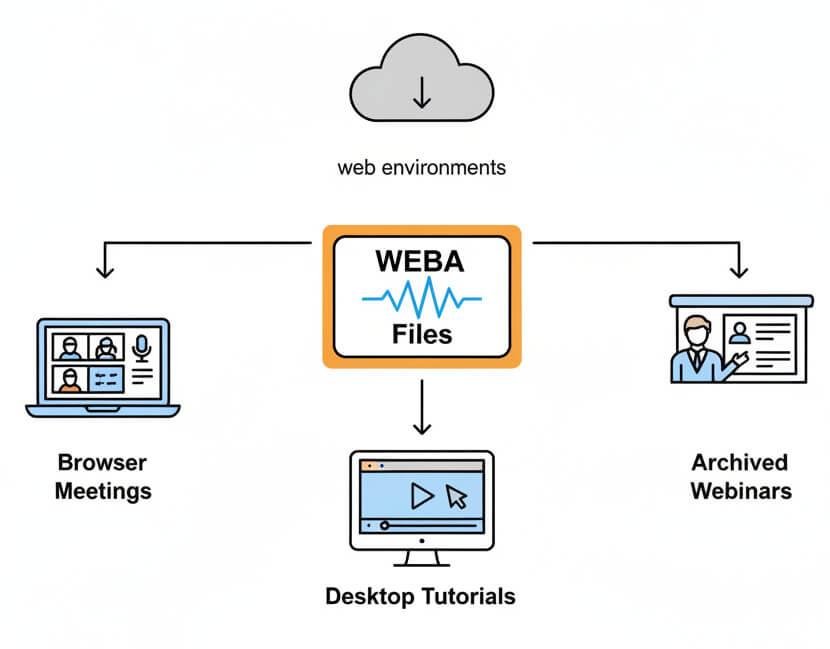
Teams encounter WEBA files when recording browser meetings, capturing desktop tutorials, or archiving webinars. The format balances reasonable file size with acceptable voice clarity for streaming. Because it works directly in web environments without plugins, many collaboration and eLearning platforms default to WEBA for audio exports.
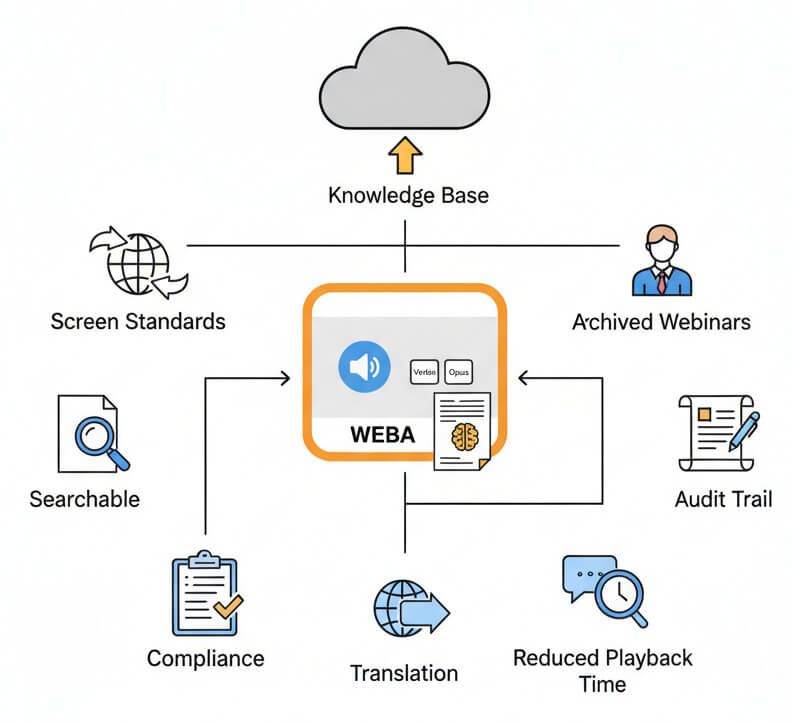
Converting WEBA recordings into text unlocks immediate keyword search, compliance documentation, and accessibility improvements. Online meetings become indexed knowledge bases, tutorial audio transforms into written guides, and archived webinars turn into citable reference material. Text transcripts reduce playback time, simplify translation, and provide audit trails for regulated industries.
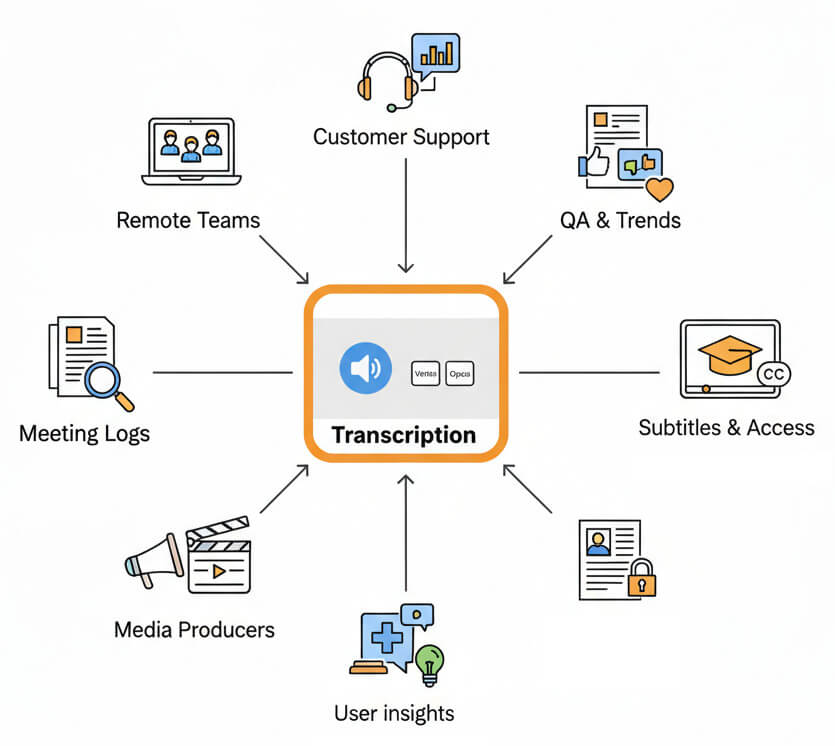
Organizations across industries rely on speech-to-text to document, analyze, and share WEBA recordings
Upload the .weba file, select language and model preferences, then start the transcription engine. The system decodes audio, applies neural speech recognition, and outputs editable text with timestamps and speaker labels.
A free trial is available to test the service with real WEBA files. Trial accounts can transcribe sample audio, explore all editing features, and download results in multiple formats before committing to a paid plan.
After transcription, download plain TXT for maximum compatibility, PDF for formatted documents, DOCX for editing in word processors, XLSX for tabular analysis with timestamps, or SRT and VTT for subtitle workflows.
Clear recordings with minimal background noise produce the most accurate transcripts. Codec choice (Opus typically outperforms Vorbis for speech), bitrate above 64 kbps, and close microphone placement all contribute to better recognition results.
All uploaded WEBA files and generated transcripts remain on servers within the European Union. Data transmission uses TLS encryption, storage employs AES encryption, and the platform complies with GDPR requirements including data deletion requests and processing agreements.